The Ultimate Guide to Choosing the Best Thermal Pad for Your GPU
Upgrading your GPU’s thermal interface is one of the most effective ways to reduce temperatures, noise, and thermal throttling. However, with VRAM, VRMs, and the GPU die itself requiring different solutions, selecting the right Thermal Interface Material (TIM) is critical. This guide breaks down the optimal TIM strategy for every part of your graphics card.
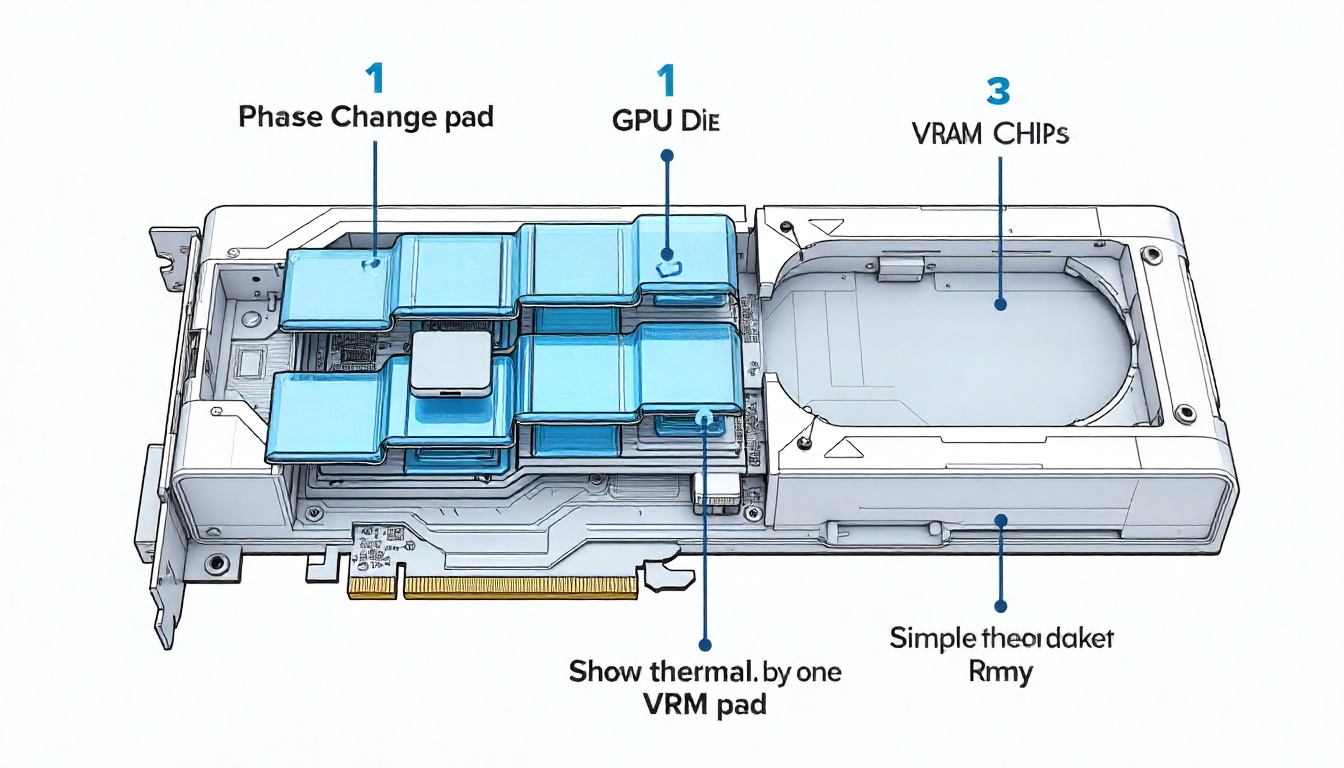
The Three-Zone Strategy for GPU Cooling:
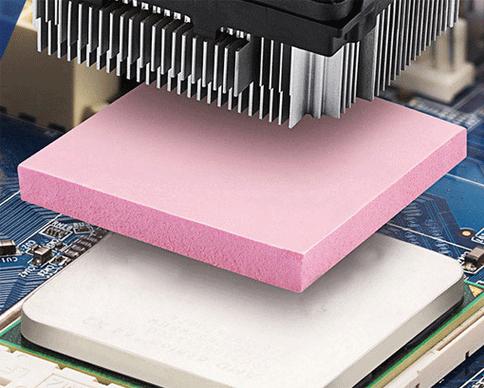
- GPU Die (The Core): This demands the absolute lowest thermal resistance. A high-quality non-conductive thermal paste or liquid metal is standard. For a cleaner, more consistent application that rivals paste performance, consider a pre-cut phase change thermal pad like our SP180. It eliminates pump-out concerns common in high-heat GPUs.
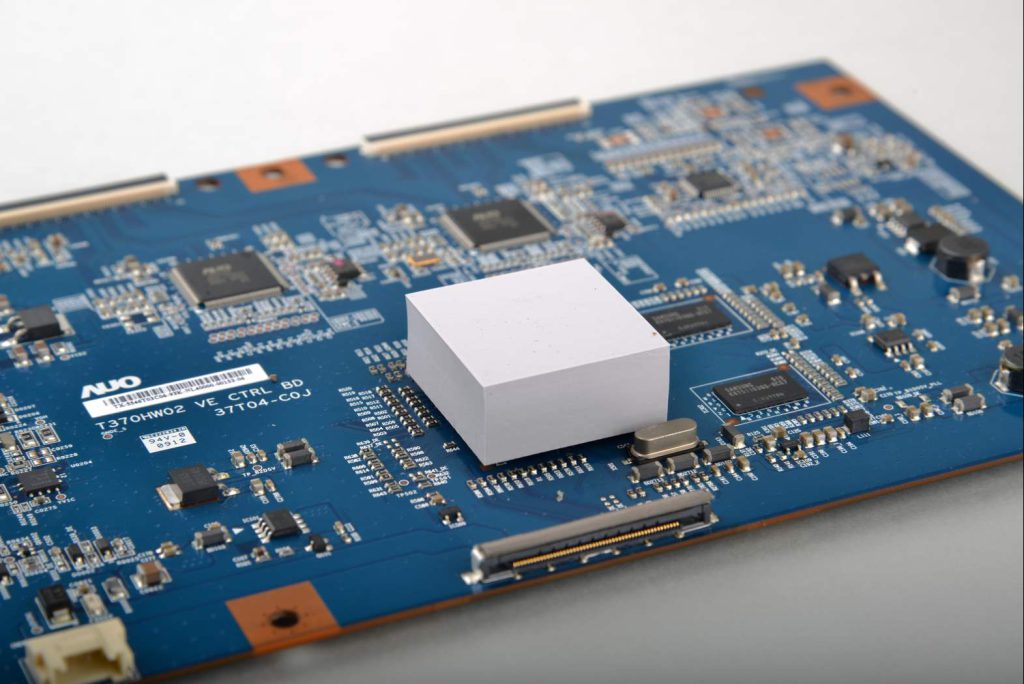
- VRAM (Memory Modules): These chips often have a larger gap and benefit from pads. Thermal pad thickness is critical—too thick prevents core contact, too thin leaves gaps. Common sizes are 1.0mm, 1.5mm, and 2.0mm. Use a pad with good compressibility, like a soft silicone or phase change material, to ensure contact.
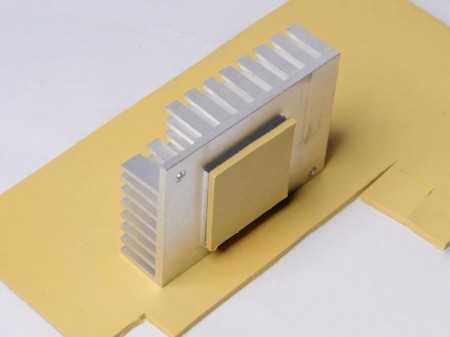
- VRM (Power Delivery): These components run hot but have less stringent requirements. A standard, cost-effective silicone thermal pad with good thermal conductivity (3-6 W/m·K) is sufficient here.
Why Phase Change Pads Excel for GPUs:
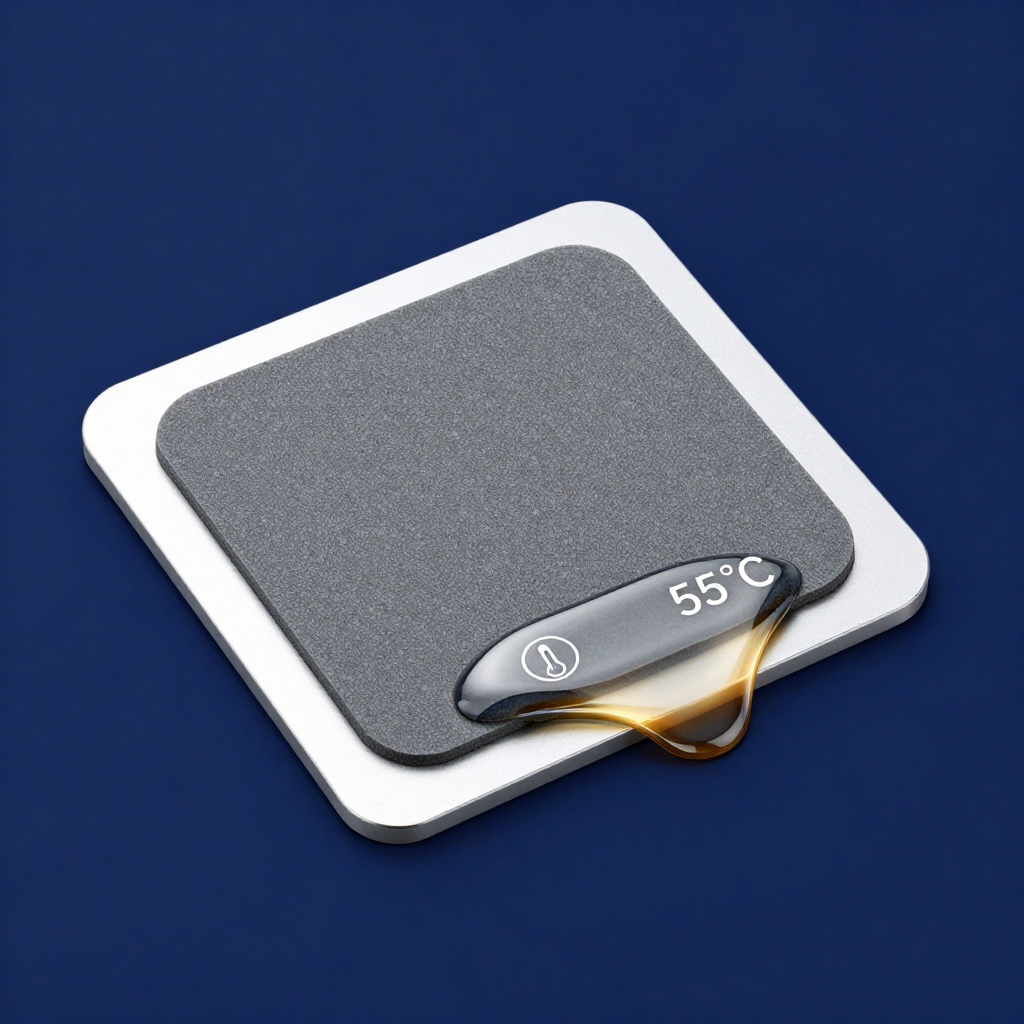
For both the die and memory, phase change pads offer a unique advantage: they are solid for easy installation but soften under heat to perfectly conform, ensuring optimal long-term contact without the mess of paste or the pump-out failure. They are non-electrically conductive, making them a safe choice for beginners and experts alike.
Step-by-Step Replacement Tips:
- Research First: Find your exact GPU model’s thermal pad thickness requirements from teardown guides or manufacturer specs.
- Clean Thoroughly: Remove all old TIM with 99% isopropyl alcohol.
- Apply Even Pressure: When reassembling the cooler, tighten screws in a cross pattern to ensure even pressure distribution across the die.
Upgrading your GPU TIM is a high-impact mod. Using the right materials can lead to temperature drops of 5-15°C, lower fan noise, and more stable boost clocks.