Extending Product Life in the Field: Can You Reuse or Replace a Thermal Pad During Repair?
A common question from field service technicians and DIY enthusiasts is: “During a repair or upgrade, can I reuse the existing thermal pad, or must I replace it?” The answer is crucial for ensuring repaired devices don’t overheat due to improper thermal interface management.
The Short Answer: Always Replace.
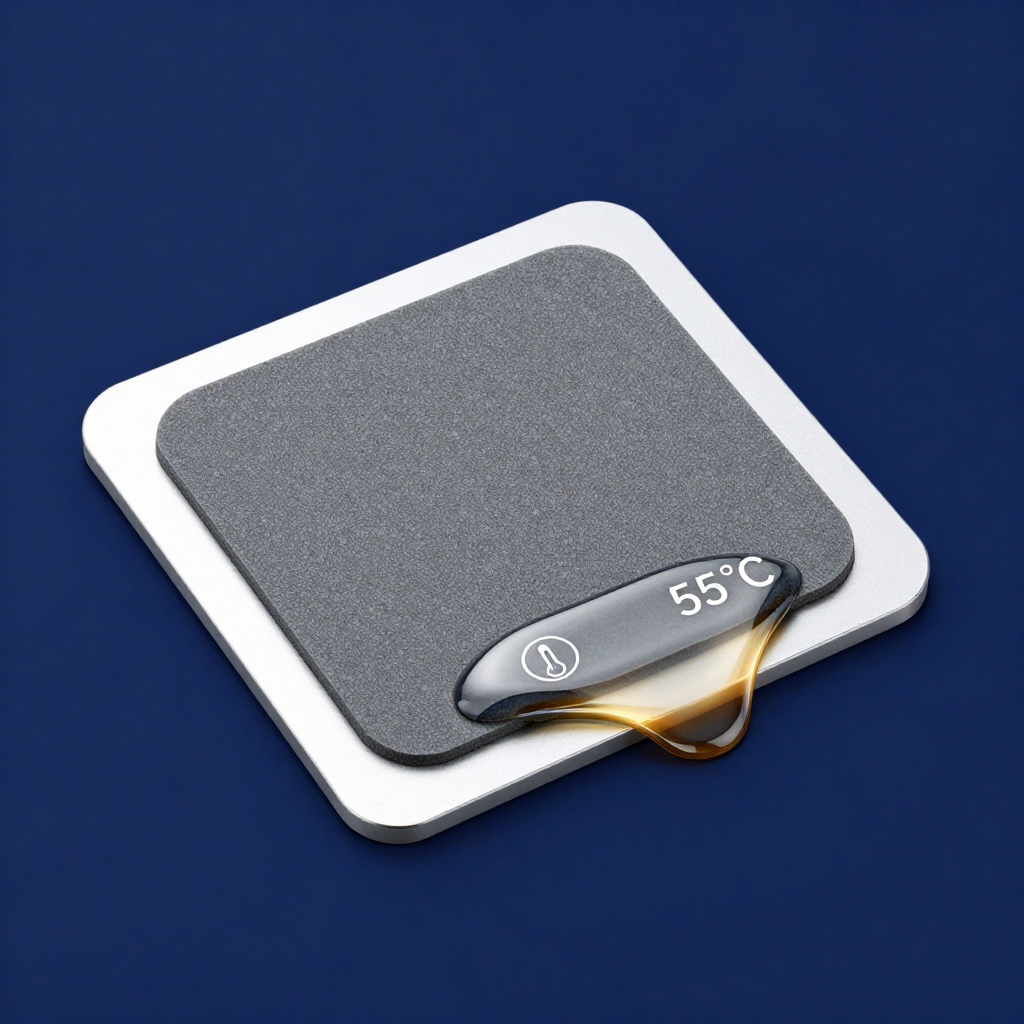
Phase change pads and traditional thermal greases are designed for a single application cycle. Once installed, heated, and cooled:
- Material Integrity is Compromised: The phase change material has flowed to fill the first set of surface imperfections. Removing the heatsink disrupts this formed layer, creating voids.
- Contamination is Inevitable: The surface will pick up dust and debris, which act as thermal insulators if the pad is reused.
- Performance Loss is Guaranteed: Reapplication leads to significantly higher thermal resistance, risking the component’s health.
Best Practices for Field Repair:
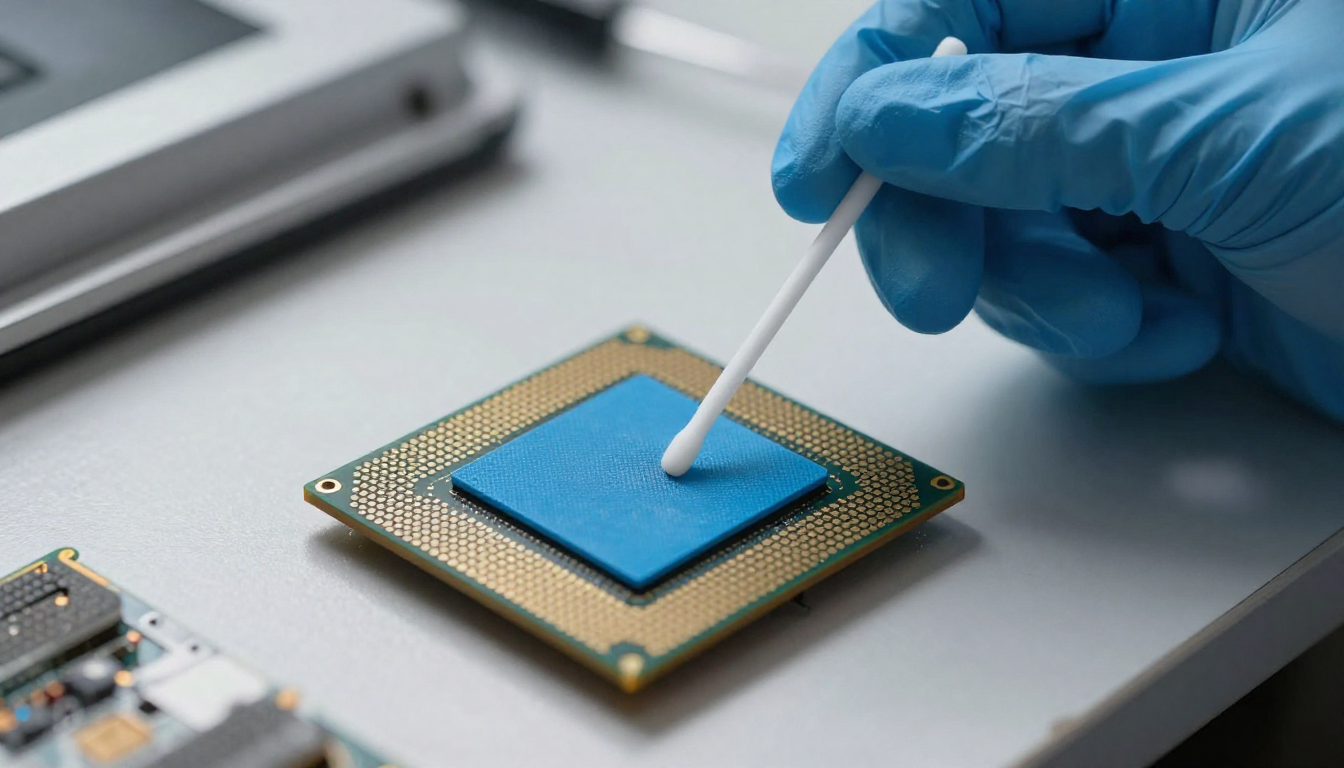
- Thorough Cleaning: Use a lint-free cloth and high-purity isopropyl alcohol (99%) to completely remove all old thermal material from both the chip die and heatsink base.
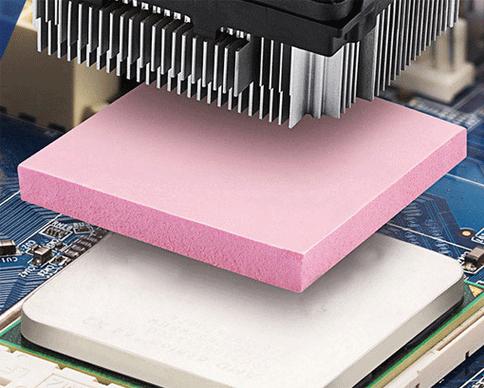
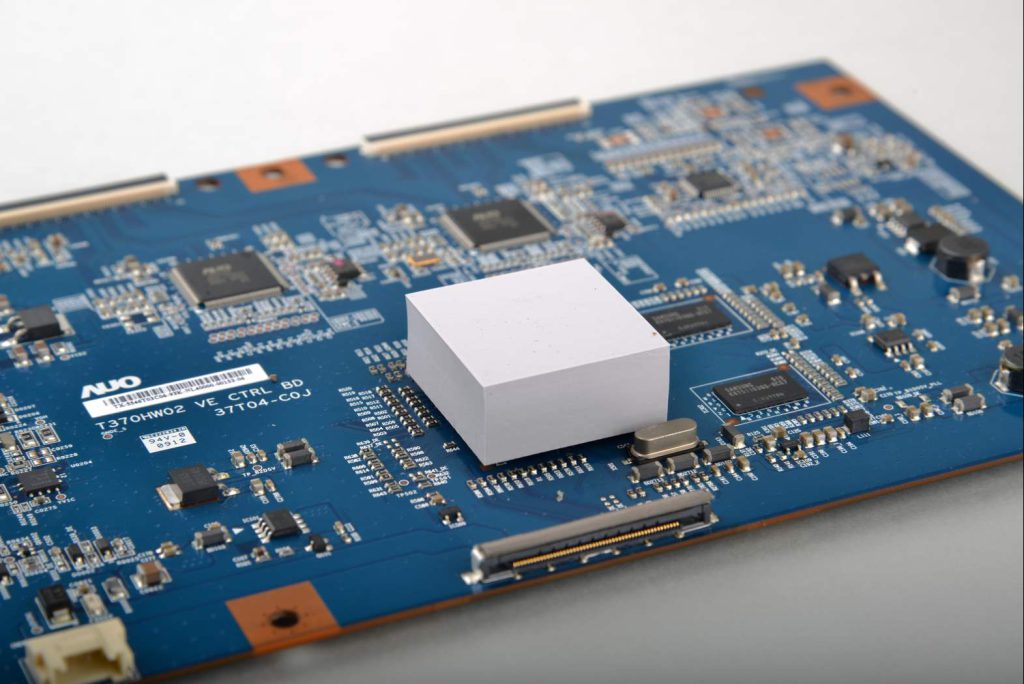
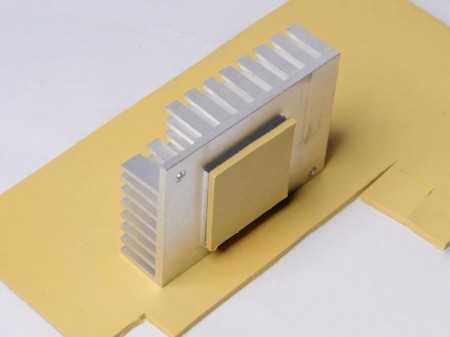
- Select the Right Replacement: For repairs, a phase change pad offers a maintenance advantage—it’s cleaner and easier to apply correctly than grease, with less risk of spillage. Keep pre-cut sizes for common chips (like GPU/CPU dies) in your repair kit.
- Follow Proper Procedure: Ensure the new pad is the correct size and thickness, and apply even mounting pressure during reassembly.
By standardizing on easy-to-apply, single-use phase change pads for repairs, you ensure every serviced device returns to its original thermal performance, extending its reliable lifespan.