How to Fix an Overheating Laptop: Replacing Thermal Paste and Pads
Is your laptop fan constantly roaring, or does it throttle under load? Over time, the stock thermal paste dries out and thermal pads compress, losing effectiveness. A careful TIM replacement is often the most effective fix. Here’s a safe guide to bring your laptop’s cooling back to life.
Safety and Preparation First:
- Disconnect Power: Remove the battery (if possible) and unplug the charger.
- Ground Yourself: Use an anti-static wrist strap or frequently touch a grounded metal object.
- Document Screw Locations: Take photos of the internal layout before disconnecting anything. Screws can be different lengths.
- Gather Tools: You’ll need precision screwdrivers, high-purity isopropyl alcohol (99%), lint-free wipes, and new TIMs.
The Disassembly and TIM Replacement Process:
- Access the Cooling Module: Remove the bottom panel and, if necessary, other components to access the heatsink assembly.
- Remove the Heatsink: Unscrew the heatsink in the order indicated by the numbers (if present). Gently twist to break the seal of the old TIM—do not pry.
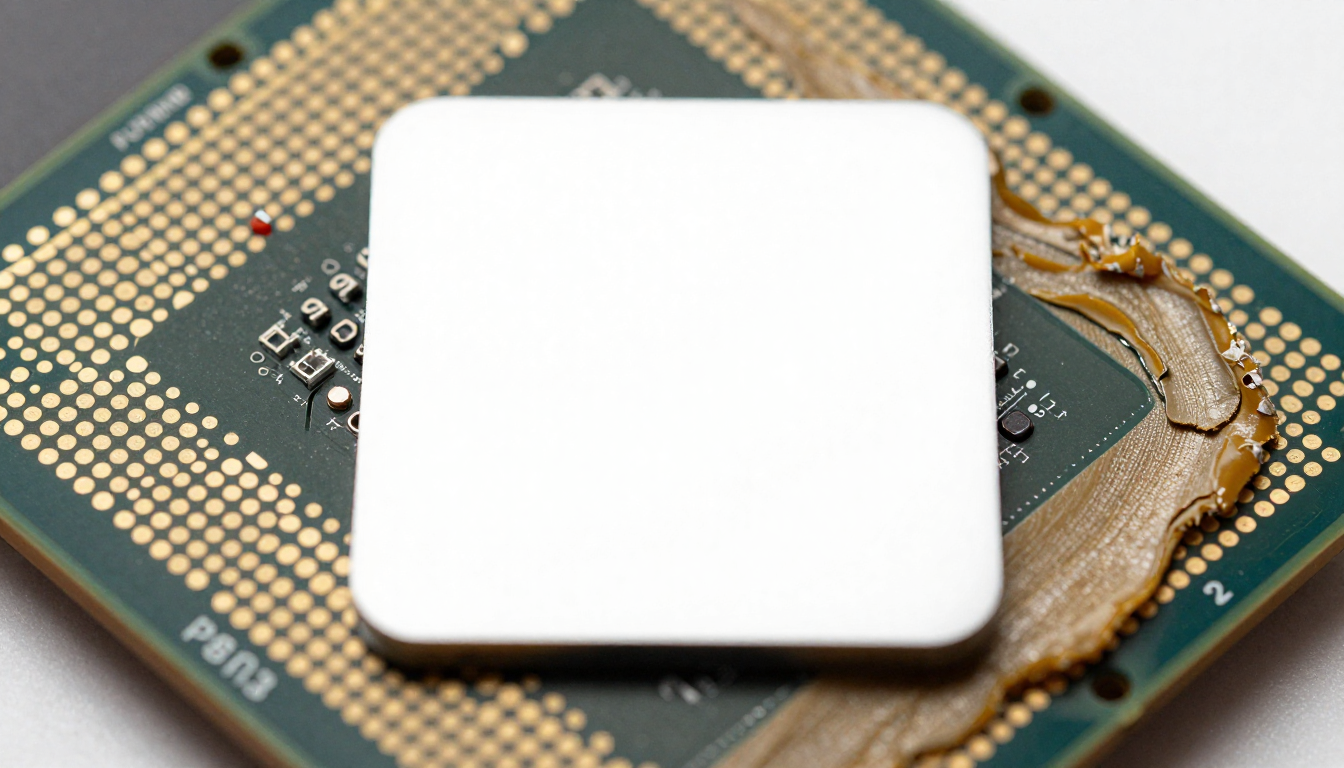
- Deep Clean: Thoroughly remove all old thermal paste from the CPU and GPU dies and the heatsink base. Remove any old, hardened thermal pads from memory and VRM components.
- Apply New TIM:
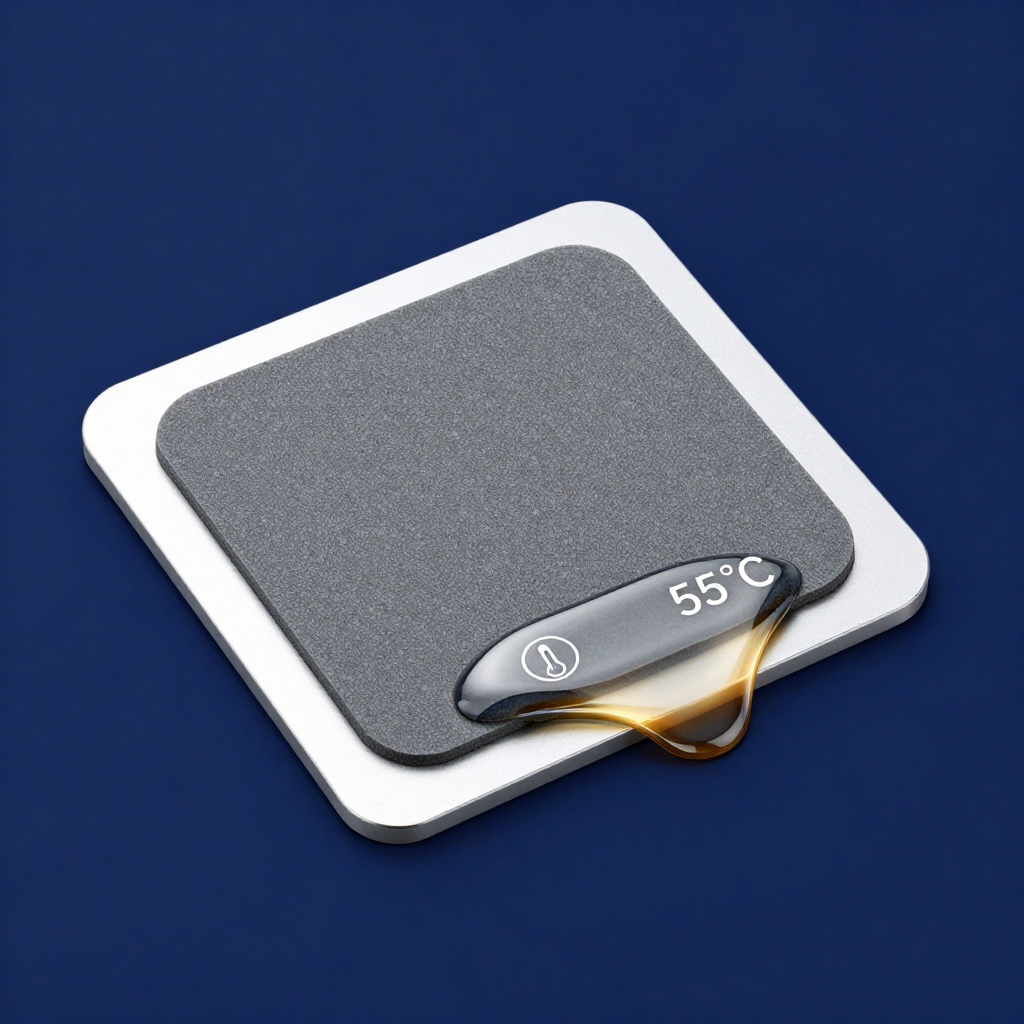
- For CPU/GPU: Apply a small pea-sized drop of quality non-conductive thermal paste or use a pre-cut phase change pad for foolproof coverage.
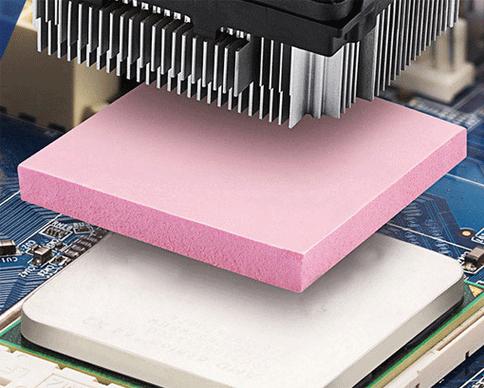
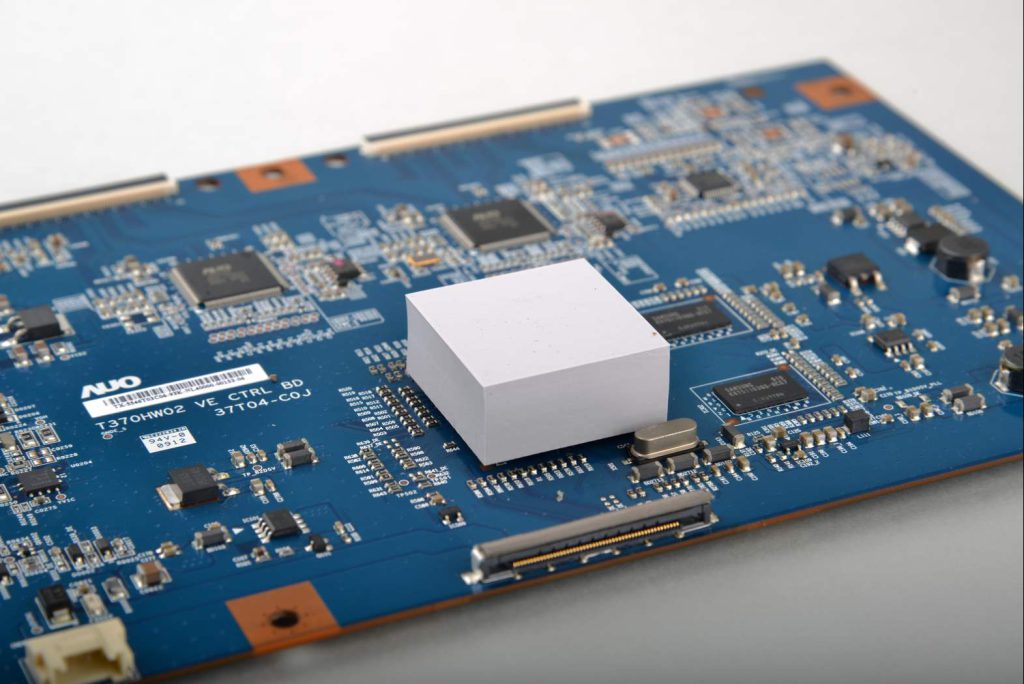
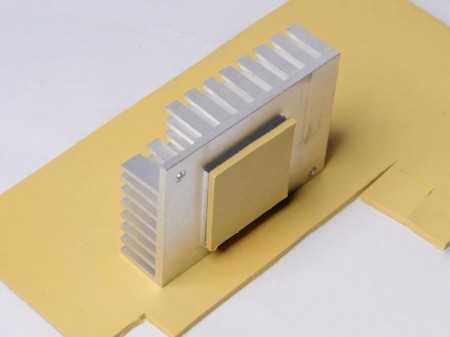
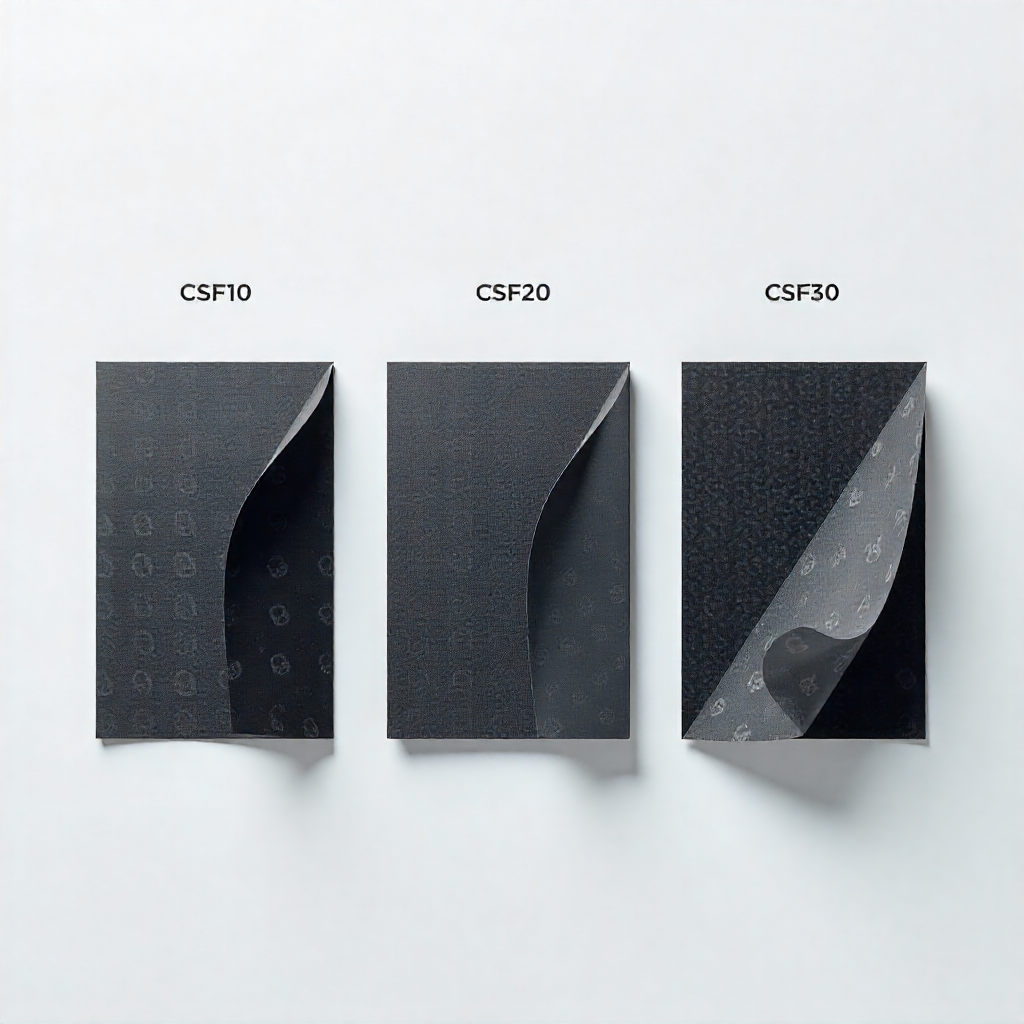
- For Memory/VRMs: Measure the thickness of the old, compressed pads. Replace with new thermal pads of the same or slightly greater thickness (e.g., if a 0.5mm pad is crushed, use a 0.5mm or 0.75mm replacement).
- Reassemble: Carefully reattach the heatsink, tightening screws in the numbered order to apply even pressure.
Expected Results and Tips:
A successful repaste can lead to 10-20°C lower load temperatures and significantly quieter operation. Be patient, stay organized, and prioritize cleanliness. For most users, a reliable thermal paste and standard pads are perfect; avoid electrically conductive liquid metal unless you are highly experienced.